View a client’s profile
- From the Genesys Cloud menu, click Clients.
- Navigate to Menu > IT and Integrations > Clients.
- Search for and navigate to the appropriate client. You can search by name or org ID.
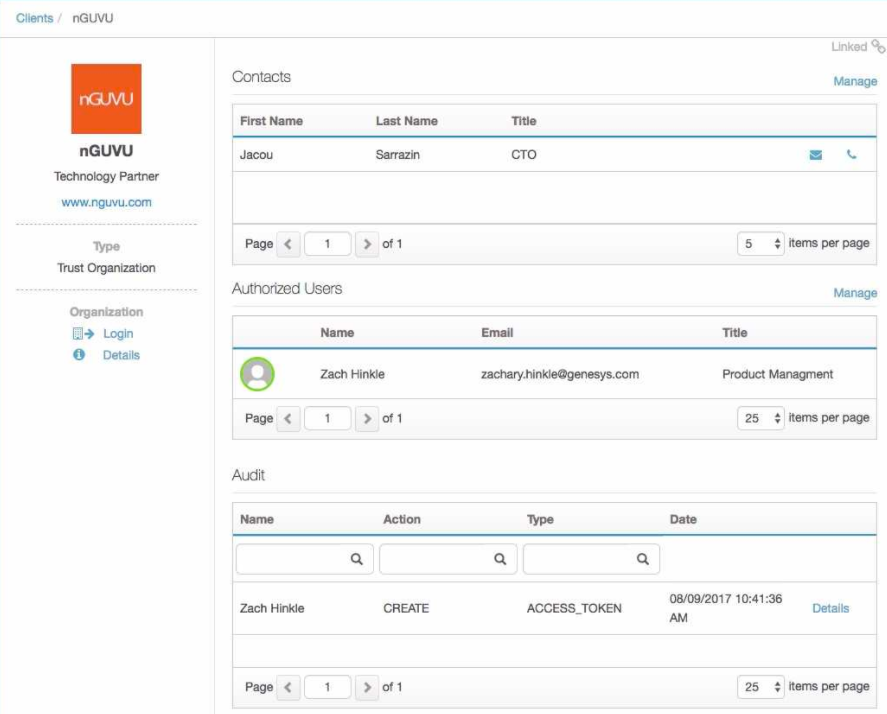
- In the Name column, click the client’s name. The client’s dashboard opens.
- View the profile information.
[NEXT] Was this article helpful?
Get user feedback about articles.